
Managing Notifications
Your notification settings control every important signal in your YouTribe life — new members, new sales, new conversations, and community activity.
Inside Profile & Settings → Notifications, you’ll see two layers:
1. Member Notifications
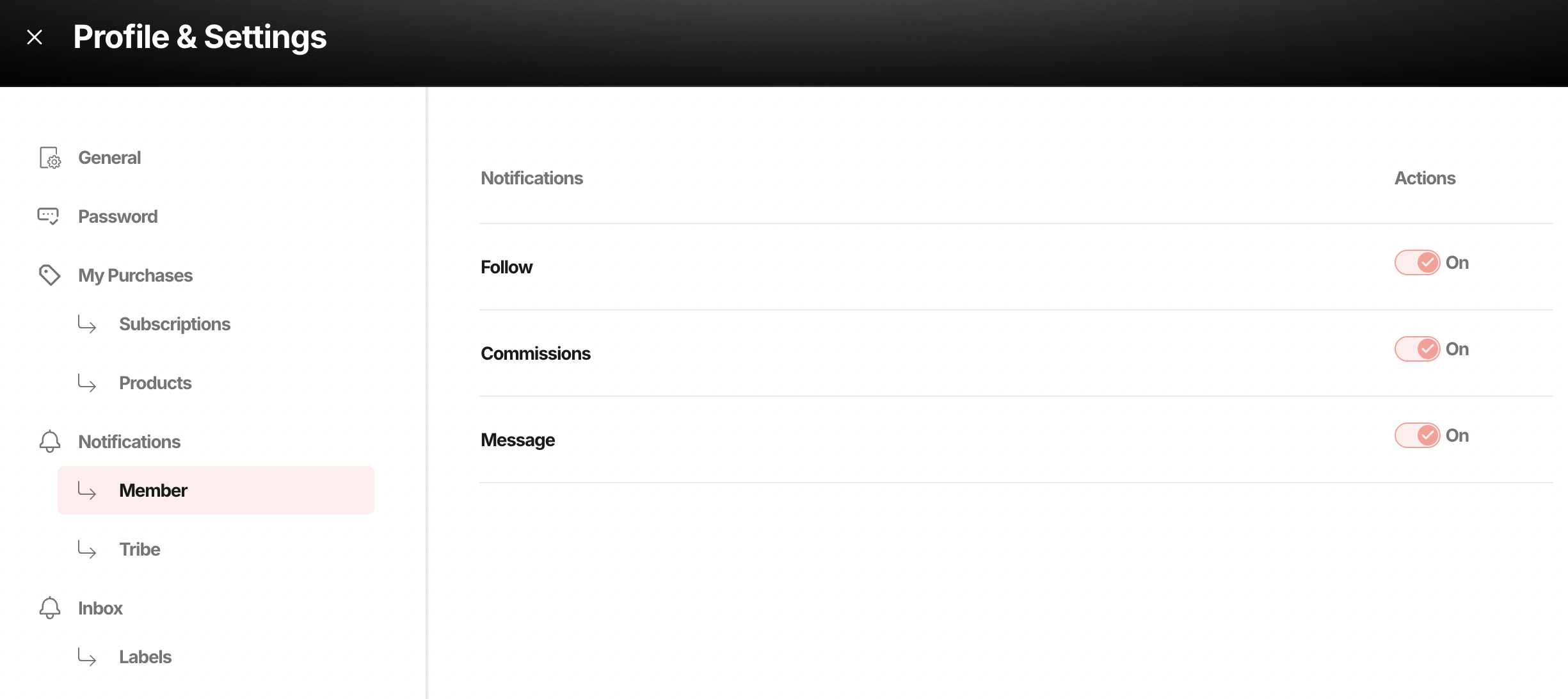
These are about you as a user inside other people’s tribes.
1.1 Follow
You get notified when creators you follow post something new.
Turn this ON if:
- You actively learn from tribes you’ve joined
- You want to stay plugged into paid content, courses, or updates
- You don’t want to miss time-sensitive announcements
Turn this OFF if:
- You only use YouTribe to run your own business
- You’re in too many tribes and want a quieter inbox
1.2 Commissions
You get notified when:
- Someone buys through your affiliate link
- You earn referral income
This is your “someone just paid you” alert.
Always keep this ON.
If you’re using affiliates even a little, this is your money radar.
1.3 Message
You get notified when someone sends you a direct message.
This directly affects:
- Support response time
- Sales conversations
- Member retention
Turn this ON if:
- You use DMs for onboarding, sales, or support
- You want members to feel heard
Turn this OFF only if:
- You have a support team handling replies
- You deliberately want async communication
2. Tribe Notifications
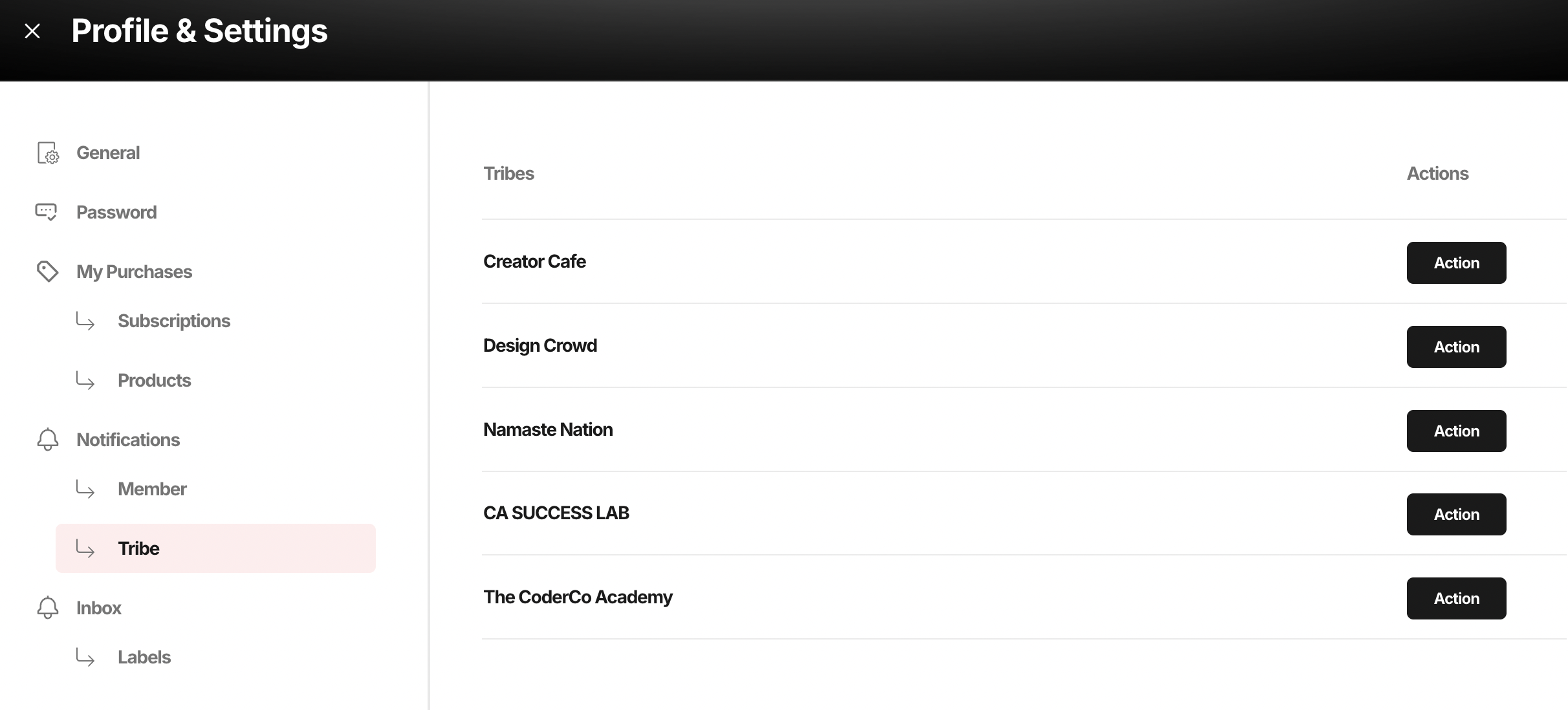
These are about your own tribes.
This section shows every tribe you own, and lets you control alerts per tribe.
You can decide:
- Which tribes you want real-time alerts from
- Which ones can stay quieter
- Where your attention actually goes
This matters more than people think.
Creators who keep tribe alerts ON for their main revenue tribe tend to respond faster, close more sales in DMs, and retain members longer.
This is where your attention becomes a business asset.
What This Really Controls
Your notification system quietly decides:
- How fast you reply to leads
- How supported your members feel
- How many upsell conversations you catch
- How many renewals you save
- How alive your community feels