
Password & Security
Your YouTribe account controls your tribes, your content, your members, and your revenue.
Keeping it secure is essential to protecting your work and your community.
Changing Your Password
You can update your password from:
Profile & Settings → Password
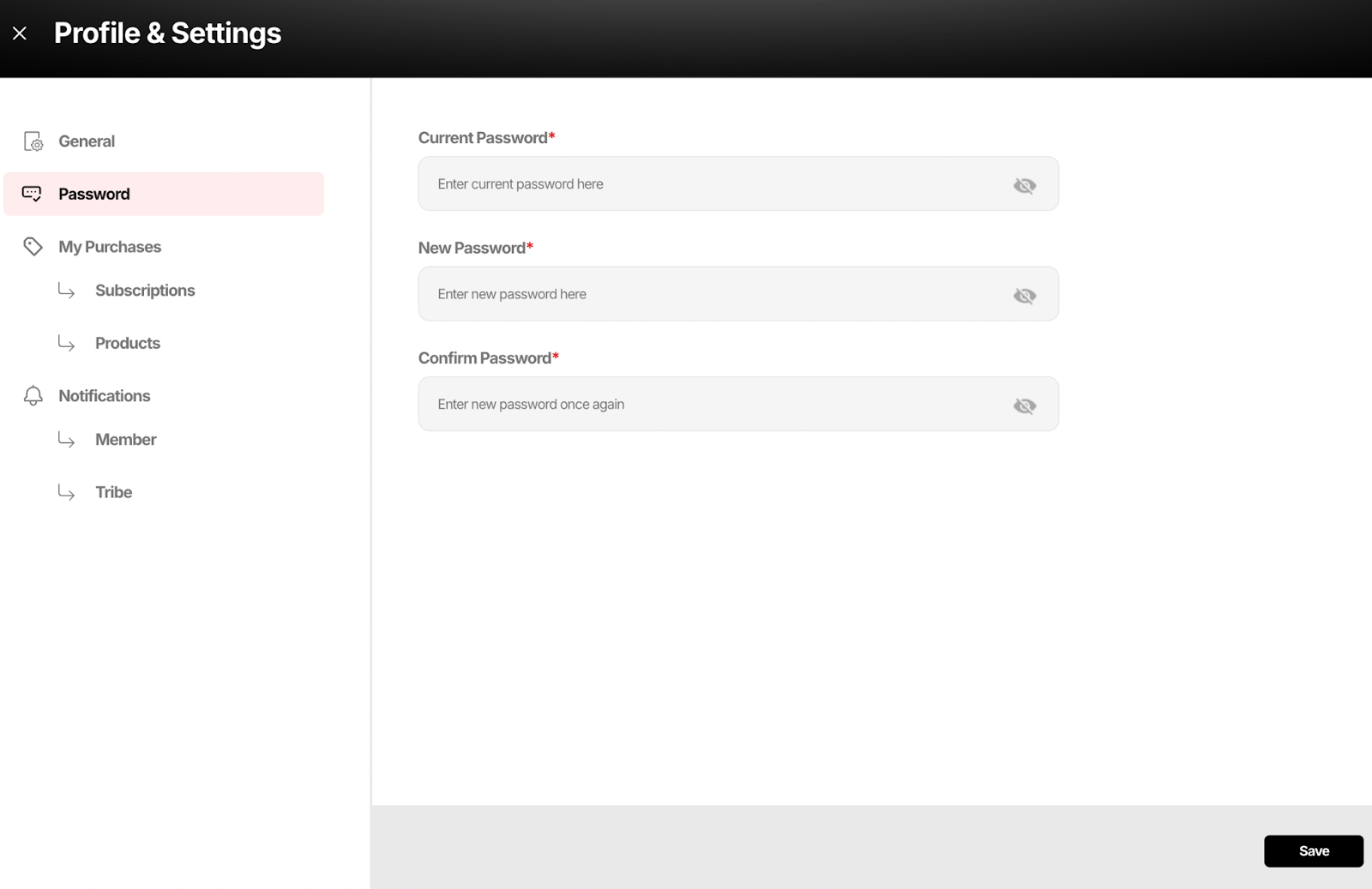
Here you will see three fields:
• Current Password
• New Password
• Confirm Password
To change your password:
- Enter your current password
- Enter your new password
- Confirm the new password
- Click Save
Your new password becomes active immediately.
When Should You Change Your Password
Change your password if:
• You believe your account may be compromised
• You shared access with someone temporarily
• You logged in from a public or shared device
• You have not updated your password in a long time
This protects your tribes, members, and payments.
Best Practices
Use a password that:
• Is at least 8 characters
• Contains a mix of letters, numbers, and symbols
• Is not reused from other platforms
Your YouTribe account is your business login — treat it with the same seriousness as your email or bank account.