
Currency
Your revenue currency defines how your entire YouTribe business operates.
It becomes the base currency for every tribe, product, membership, and payout connected to your account.
When You Choose Your Currency
You select your currency when setting up your profile for the first time.
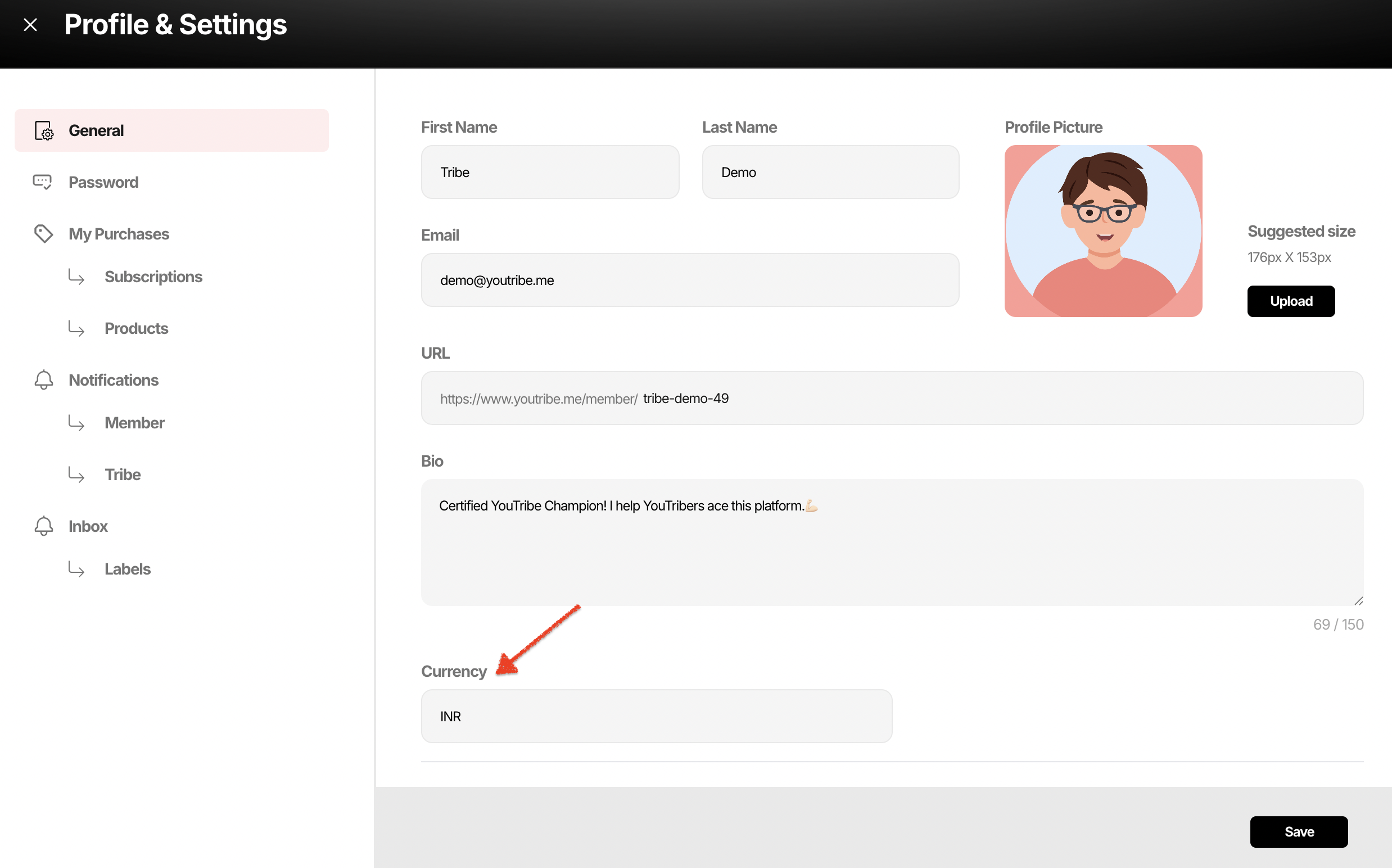
Once set, it applies to:
• All tribes you create
• All pricing plans
• All paid products and events
• All subscriptions
• All payouts and reports
Your entire business runs in this currency.
Changing Your Currency
Your base currency cannot be changed later on the same account.
If you want to operate in another currency, you must create a separate YouTribe account and run a separate business unit under that currency.
This prevents:
• Pricing conflicts
• Payout mismatches
• Reporting errors
How to Choose the Right Currency
Choose the currency based on where you plan to collect most of your revenue.
Examples:
• If your audience is primarily in India → INR
• If your audience is global → USD
• If you sell mostly in Europe → EUR
Pick the currency that best matches your market.
Your currency choice defines your financial foundation.